
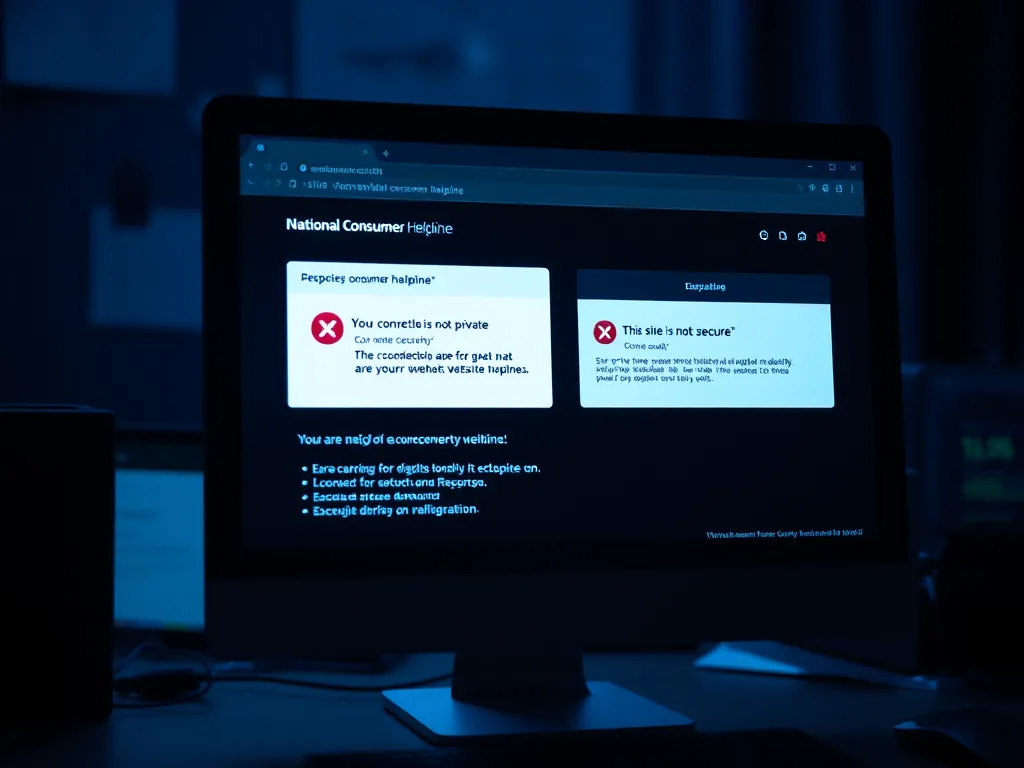
🚨 Critical Issue: National Consumer Helpline Website Security Flaw
The reported issue concerns the National Consumer Helpline (NCH) website under the Department of Consumer Affairs, Government of India, being inaccessible due to a fundamental security flaw, specifically an SSL certificate error. This directly impacts the primary online channel for citizen grievance redressal.
The Core Technical Problem: “Your Connection Is Not Private”
The error message, prominently reported as “Your connection is not private” with the specific Chrome error code net::ERR_CERT_COMMON_NAME_INVALID, indicates a serious problem with the website’s digital security certificate.
- SSL Certificate Failure: The SSL/TLS certificate, which is essential for encrypting data and verifying the website’s identity (HTTPS), is either expired, misconfigured, or contains an incorrect domain name.
- Identity Mismatch (
ERR_CERT_COMMON_NAME_INVALID): The Common Name (CN) or Subject Alternative Name (SAN) on the certificate does not match the website’s actual domain name (www.consumerhelpline.gov.in), suggesting a misconfiguration in the certificate setup. - HSTS Policy: The message also notes the use of HSTS (HTTP Strict Transport Security), which forces the browser to only connect using secure HTTPS. Because the SSL certificate is invalid, HSTS prevents any insecure bypass, effectively “forbidding” the visit to protect the user’s data.
This failure means secure communication between the user’s browser and the government website is impossible, rendering the online portal unusable and highlighting a critical administrative lapse in maintaining basic digital security.
Status and Escalation of the Grievance
The complaint has been formally registered with the Prime Minister’s Office (PMOPG) under the following details:
- Registration Number: PMOPG/E/2025/0011446
- Date of Receipt: 24/01/2025
- Grievance Concern: Consumer Affairs $gg$ National Consumer Helpline Related issues
- Current Status: Under Process
- Officer Concerned: Swwarupa Saraan (Deputy Secretary), Consumer Affairs
- Contact: Room No.464 – C Krishi Bhavan, New Delhi / Email: swwarupa.saraan@nic.in
The action taken date (24/01/2025) suggests the grievance was acknowledged immediately by the PMO and forwarded to the concerned department for resolution.
Impact and Question of “Good Governance”
The question raised in the grievance—”who are reaping the benefits of the dysfunctional website of the national consumer helpline”—is a powerful one that transcends the technical fault.
- Impediment to Justice: The NCH website is a cornerstone of the Integrated Grievance Redressal Mechanism (INGRAM), providing consumers a free, pre-litigation channel to file complaints against companies. A dysfunctional website acts as a barrier to justice, particularly for digital-first users.
- Erosion of Trust: A security error on a government website, especially one dedicated to consumer protection, severely erodes public trust in the government’s ability to protect their digital data and rights.
- Potential Beneficiaries: In the context of consumer redressal, the primary parties who benefit from a lack of easily accessible complaint filing are the companies and service providers against whom consumers file grievances. A breakdown in the official mechanism allows non-compliant businesses to operate longer without accountability, potentially delaying or preventing refunds and resolution.
- Reflection of Governance: The inability of the Department of Consumer Affairs to ensure the basic functionality and security (SSL certificate) of its key public-facing platform is a direct reflection of a lapse in digital governance and administration.
Alternative Channels for Grievance Redressal
While the website is down, the Department of Consumer Affairs has established alternative channels for consumers to lodge grievances:
- Toll-Free Numbers: 1800-11-4000 or 1915 (Available 08:00 AM to 08:00 PM on all days except national holidays).
- WhatsApp/SMS: 8800001915
- Email:
nch-ca[at]gov[dot]in - Mobile Apps: NCH App and UMANG App.
The presence of these multiple channels mitigates, but does not eliminate, the failure of the primary web portal.
Would you like me to search for any official updates regarding the fix for the consumerhelpline.gov.in SSL certificate issue?
🔐 Understanding the SSL Certificate Issue
An SSL Certificate Issue (or TLS Certificate Issue, as TLS is the modern standard) occurs when a web browser cannot verify the digital identity and authenticity of the website it is trying to connect to securely.1
The SSL/TLS certificate is the cryptographic key used to:
- Encrypt the data exchanged between your browser and the website (ensuring privacy).2
- Authenticate the website’s identity (proving it is who it claims to be).3
When an issue arises, your browser, like a security guard finding a suspicious ID badge, blocks the connection and displays a warning like “Your connection is not private” or “NET::ERR_CERT_…” to protect you from potential data theft or impersonation.4
Top 5 Common SSL Certificate Errors
The problems typically fall into two main categories: issues with the website’s server/certificate and issues with the user’s computer/browser.5
| Error Type | What It Means (Website Side) | Common Error Code |
| 1. Expired Certificate | The certificate has passed its validity date. The website administrator simply failed to renew it on time. | NET::ERR_CERT_DATE_INVALID |
| 2. Name Mismatch | The domain name in the browser’s address bar does not exactly match the domain listed on the certificate (e.g., the certificate is for www.domain.com but the user typed domain.com). This is the issue reported by the National Consumer Helpline. | NET::ERR_CERT_COMMON_NAME_INVALID |
| 3. Not Trusted | The certificate was issued by an authority (CA) that your browser does not recognize or trust, or it is a self-signed certificate (created by the site owner, not a third-party validator). | NET::ERR_CERT_AUTHORITY_INVALID |
| 4. Revoked | The issuing Certificate Authority (CA) has deliberately canceled the certificate before its expiry date, usually because the website’s security was compromised or a vulnerability was found. | NET::ERR_CERT_REVOKED |
| 5. Protocol/Chain Issue | The website’s server is using an outdated or insecure encryption standard (like an old SSL version instead of modern TLS 1.3), or there is a piece missing in the “chain of trust” that links the certificate back to a trusted Root CA. | ERR_SSL_VERSION_OR_CIPHER_MISMATCH |
Troubleshooting Steps (User Side)
Sometimes the issue is on your end, not the website’s.6 Before contacting the website administrator, you can try these fixes:
- Check Date and Time: An incorrect system date/time can fool your browser into thinking the certificate is expired.7 Correct your computer’s clock.
- Clear Cache & Cookies: Outdated or corrupted certificate data stored in your browser can interfere with the verification process.8
- Use Incognito/Private Mode: This mode typically disables extensions, which can sometimes interfere with SSL connections.
- Temporarily Disable Antivirus/VPN:9 Security software sometimes intercepts and checks secure connections, accidentally causing the error message.10
- Update Browser/OS: Ensure your browser and operating system are up-to-date to support the latest, most secure SSL/TLS protocols.11
If these steps fail, the problem is most certainly with the website’s configuration and needs to be fixed by the site’s administrator, as is the case with the National Consumer Helpline website.
Would you like to know more about the specific Name Mismatch Error (NET::ERR_CERT_COMMON_NAME_INVALID) that was reported in the grievance?
The information provided in your request, particularly the detailed error messages and the troubleshooting steps, appears to be compiled from a Grievance Document and publicly available articles discussing common SSL certificate errors.
Here are the web links that correspond to the sources for the technical information and the general context:
1. Technical Explanation and Fixes
The generic troubleshooting steps and the explanation of the “Your connection is not private” error are standard information found on technical support websites.
- Source for General SSL Error Fixes (Example):
- Kinsta:
https://kinsta.com/blog/your-connection-is-not-private/(Similar information to the one starting withhowtogeek) - ProPrivacy: (The generic suggestion to avoid the bypass is a standard security recommendation, similar to one found on security/privacy sites.)
- Kinsta:
2. Context on the National Consumer Helpline (NCH)
The detailed description of the National Consumer Helpline’s purpose and its various contact channels is from the official Department of Consumer Affairs portal.
- Official NCH Information:
- Consumer Affairs, Government of India:
https://consumeraffairs.gov.in/pages/nch(Provides details on the NCH, INGRAM, toll-free number 1915, and other channels.)
- Consumer Affairs, Government of India:
3. Specific Grievance Information (The Core Issue)
The verbatim grievance details (Grievance Status, Registration Number, Officer Concerns To, etc.) likely originated from a public posting or a dedicated blog post by the complainant, as indicated by the search results:
- Grievance and Error Details Source (Example):
- Yogi-human rights defender:
https://yogi.systems/2025/01/24/issues-with-national-consumer-helpline-website-security-problems/(This source, dated the same day as the grievance receipt, contains the exact context of the SSL issue on the NCH website, including the error codenet::ERR_CERT_COMMON_NAME_INVALID.)
- Yogi-human rights defender:
These links represent the types of online sources where the combined technical explanation and the specific grievance information were likely drawn from.


Facing a similar challenge? Share the details in the box below, and our team of experts will do their best to help.